 1/3
1/3
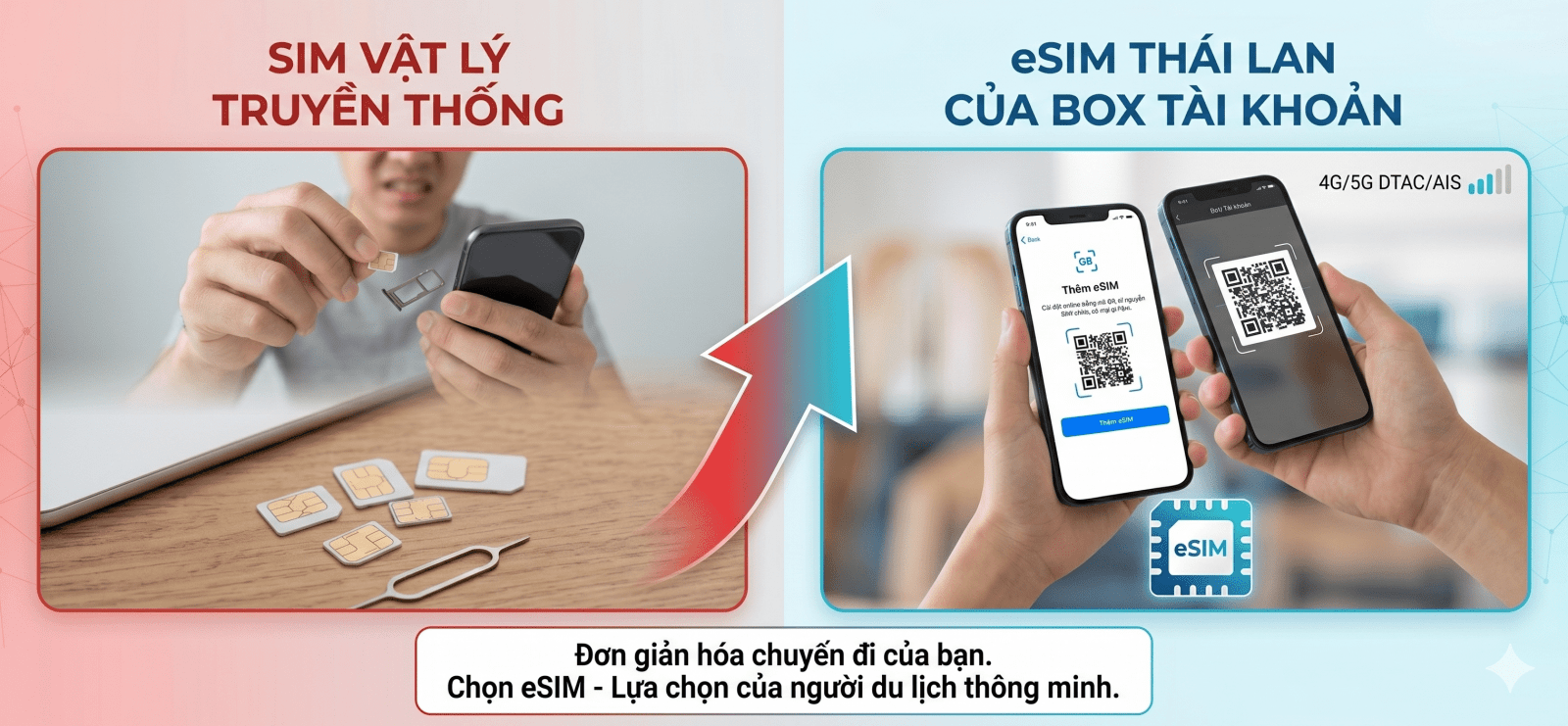
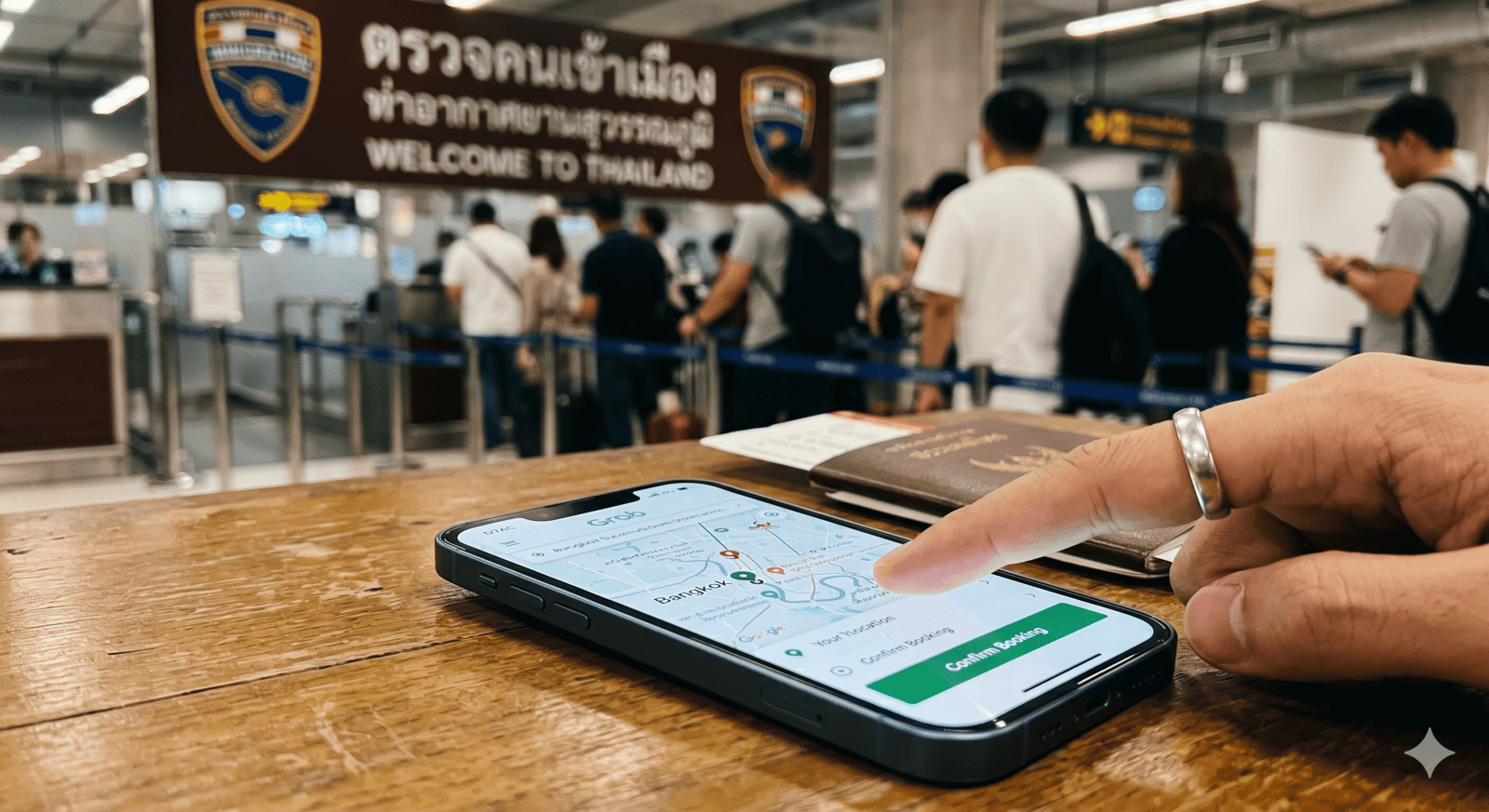
Affordable Thailand eSIM – Get Internet Access Immediately Upon Arrival in Thailand Traveling to Thailand without internet access right from the airport can be very inconvenient: you can’t book a Grab, check Google Maps, send Zalo messages, or checkhotels or itineraries. Therefore, preparing a Thailand eSIM before your trip is a smart choice for travelers, business travelers, or those traveling independently. Simply scan the the QR code, install it directly on your phone, and turn on data when you arrive in Thailand, and you’ll be able to use the network for communication, navigation, booking rides, posting photos, watching TikTok, Facebook, or working online. No need to remove your main SIM card, no need to buy a SIM at the airport, and no need to worry about wasting time waiting. If you’re planning a trip to Bangkok, Pattaya, Phuket, Chiang Mai, or other popular tourist destinations in Thailand, choose the right eSIM before your flight to ensure a smoother experience from the very first moment. What Is a Thailand eSIM? A Thailand eSIM is an electronic SIM card used to access the internet while you’re in Thailand. Instead of inserting a physical SIM card into your device, you simply scan a QR code to add the eSIM to your phone. Once installed, the eSIM functions as a secondary SIM dedicated to mobile data. You can keep your primary SIM in your phone to receive calls, messages, or OTP codes when needed. Simply put, a Thai eSIM helps you get faster, more compact, and more convenient internet access when traveling abroad. Why Should You Buy a Thai eSIM Before You Go? Buying an eSIM before your flight ensures you have internet access the moment you land. You won’t need to search for a SIM card counter, stand in line, no need to swap SIM cards, and no need to worry about language barriers when purchasing a data plan in Thailand. Especially if you’re traveling independently, internet access is practically a must-have. You’ll need it to book rides, check directions, find restaurants, contact your hotel, view e-tickets, message family and friends, or handle urgent work matters. Preparing an eSIM in advance also helps you choose the right plan based on your itinerary: for short trips, choose a budget plan; for longer trips, choose a high-data plan;you use TikTok/Facebook/YouTube a lot, choose a stronger data plan. Advantages of Using a Thai eSIM The Thai eSIM is perfect for those who want to travel light and hassle-free. You simply purchase it online, receive a QR code, and install it directly on your phone. Advantages Practical Benefits No physical SIM card required No need to remove your main SIM card, so you don’t have to worry about losing it Quick online delivery Perfect for last-minute trips Install using a QR code Quick and easy to follow the instructions Internet access upon arrival in Thailand Use it right away to book a ride, check maps, or send messages Suitable for various needs Travel, business, solo trips, group travel Pre-trip support Device check, package consultation, and setup guidance With eSIM, you no longer have to rely entirely on Wi-Fi at airports, hotels, or cafes. This is a major advantage if you travel frequently or need to stay connected throughout your trip. How Does a Thai eSIM Differ from a Physical SIM? Criteria Thai eSIM Physical SIM How to get it Receive a QR code online Must pick up the SIM in person Setup Add to device via QR code Must remove/insert SIM Convenience Can be prepared before the flight Usually must be purchased at the airport/store Primary SIM Keep the primary SIM in the device May need to remove the primary SIM Supports last-minute travel Very suitable Not convenient if you need it quickly If your phone supports eSIM, this is a more compact and convenient option compared to traditional physical SIM cards. Important Notes Before Setting Up an eSIM in Thailand You should activate the eSIM in Vietnam while your phone has a stable Wi-Fi connection, but you should only enable eSIM data once you arrive in Thailand to avoid activating the plan too early. Before purchasing, check if your phone supports eSIM. If you’re unsure whether your device is compatible with eSIM, you should message the Account Support Team to verify beforehand. An important note: Do not delete the eSIM after installation, because some plans can only be activated once and cannot be reactivated if they’ve been deleted from the device. Guide to Setting Up a Thai eSIM on an iPhone Before setting up, make sure your iPhone is connected to Wi-Fi and that you have saved the eSIM QR code. Go to Settings on your iPhone. Select Cellular. Select Add eSIM. Select Use QR Code and scan the eSIM code that was sent to you. Follow the on-screen instructions to complete the setup. Name the eSIM "Thailand" for easy identification. When you arrive in Thailand, select this eSIM as your Mobile Data. Turn on Data Roaming if your plan requires it. Guide to Setting Up a Thailand eSIM on Android / Samsung The name of the settings menu may vary depending on the device model, but the basic steps are as follows: Go to Settings. Select Connections. Select SIM Management or SIM Manager. Select Add eSIM. Scan the provided eSIM QR code. Wait for the device to add the eSIM. When you arrive in Thailand, turn on the eSIM and select it as your mobile data plan. Turn on Data Roaming if needed. If you don’t see the Add eSIM option, your device may not support eSIM or may be locked to a specific network. Please contact Box Account before purchasing to verify compatibility. Why Should You Buy a Thailand eSIM from Box Account? Box Account helps customers choose a Thailand eSIM plan based on the number of travel days, data usage needs, and the device model they’re using. You don’t need to choose a plan yourself and worry about whether it’s the right fit. When you purchase through Box Account, you’ll receive support to check your device before purchase, guidance on setting it up before your flight, and assistance if the eSIM doesn’t connect to the network upon arrival in Thailand. If you need to purchase a Thai eSIM quickly, with easy setup and support in Vietnamese, please contact Box Tài Khoàn for consultation. Contact Us to Buy a Thai eSIM FANPAGE: https://www.facebook.com/BoxTaikhoancom TELEGRAM GROUP: https://t.me/BOXTaiKhoan ZALO: https://zalo.me/g/ztes9mwnlapffdjihogj Frequently Asked Questions About Thai eSIM 1. Can I activate the Thai eSIM in Vietnam before departure? Yes. You can activate it before your flight, but you should turn it off once you arrive in Thailand. 2. Do I need to remove my main SIM card when using the eSIM? No, you don’t need to. You can keep your main SIM card and use the eSIM to access the internet. 3. Does the Thailand eSIM work immediately upon landing? Yes, if you’ve already installed it and enabled mobile data upon arrival in Thailand. 4. Which devices support the Thailand eSIM? Newer iPhone models, Samsung, Google Pixel, and some other devices that support eSIM. 5. Can you make calls with a Thai eSIM? It depends on the plan. Some plans offer data only, while others may support voice calls. 6. Do I need to enable data roaming? You may need to. If you haven’t connected to the network yet, enable Data Roaming following the instructions. 7. Can an eSIM be used for a hotspot? It depends on the plan. If you need to share Wi-Fi, you should ask before purchasing. 8. If I accidentally delete the eSIM, can I reinstall it? Not all plans allow reinstallation, so do not delete the eSIM until you’re finished using it. 9. How many days should I choose for the Thailand eSIM plan? Choose based on your travel itinerary. If you’re traveling for multiple days or using multiple networks, you should choose a high-data plan. 10. What should I do if the QR code scan fails? Check your Wi-Fi connection, verify that your device supports eSIM, and contact Box Account Support for assistance.




 0
0



 Travel eSIM